Brain / hands split
AgentRuntime thinks. Sandbox acts.
The agent loop and the tool execution environment are separate. Credentials and generated code do not need to live in the same blast radius.
An open-source control plane for long-running agents. OpenMaple turns agent prototypes into sessions, sandboxes, runtime pools, vault-backed tools, event logs, SDK calls, and CLI workflows you can try in Codespaces, run locally with Docker, and later move onto your own cloud.
OpenMaple is not an Anthropic official product. It implements the same operating idea in an open stack: decouple the brain from the hands, persist the session, isolate computation, and let harnesses evolve behind stable interfaces.
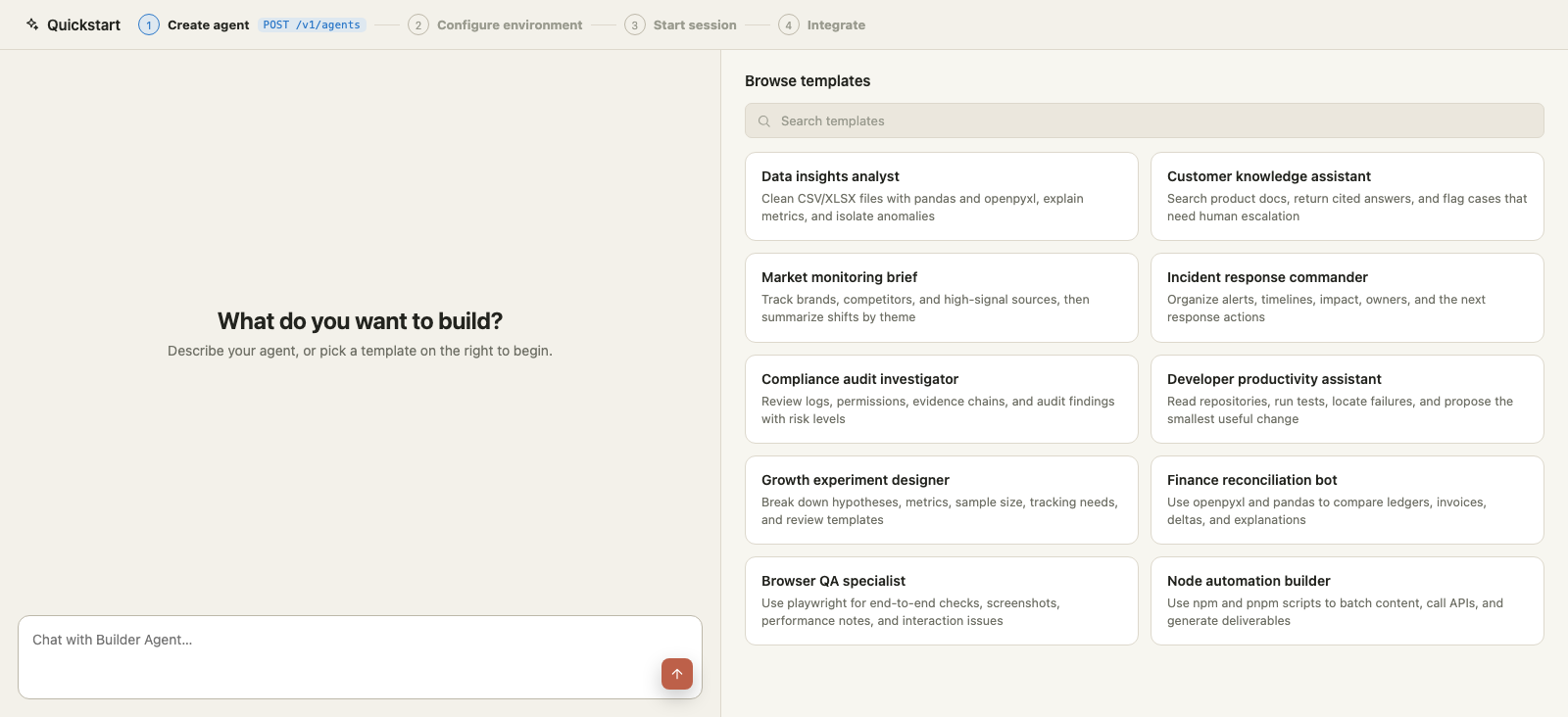
A 2-minute walkthrough built from the running console: agent creation, cited sandbox sessions, vaults, CLI, SDK, skills, deployments, and observability.
OpenMaple ships a self-contained local Docker path: separate web, API, and MySQL services, dev login, local Docker runtime pools, and local Docker sandbox pools. E2B and veFaaS keys are not needed for the default local path; model keys are only needed for real model-backed loops.
./scripts/setup-local-docker.sh

npm run smoke:local

BASE=http://127.0.0.1:27951
curl $BASE/health
curl http://127.0.0.1:8080/healthThe local Docker proof path is captured from the running product in HD: setup command, smoke check, dashboard, runtime pool, sandbox pool, sessions, quickstart, and a session timeline with local Docker metadata.
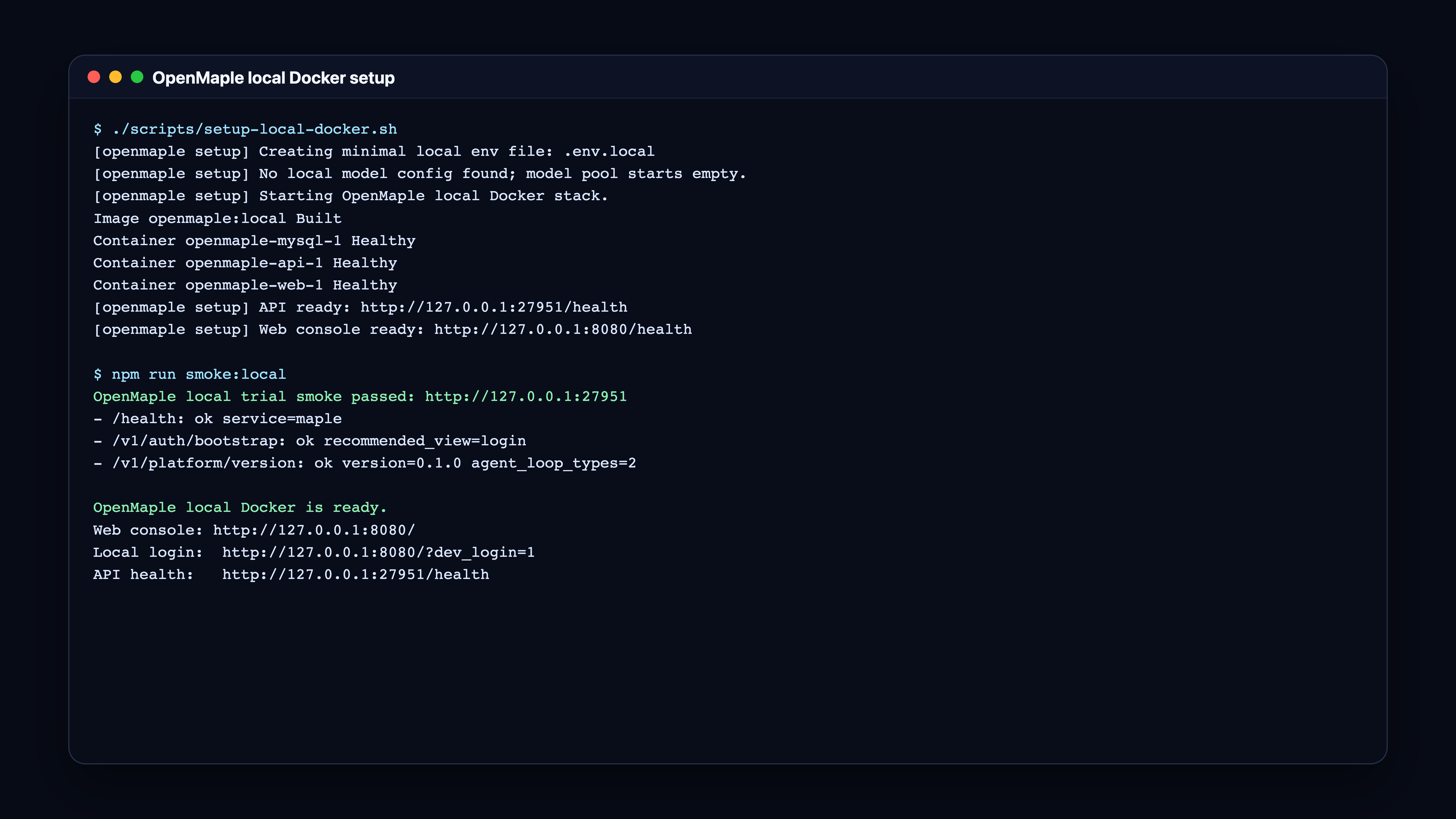
One setup commandThe script starts web, API, MySQL, local dev login, and prints health URLs.
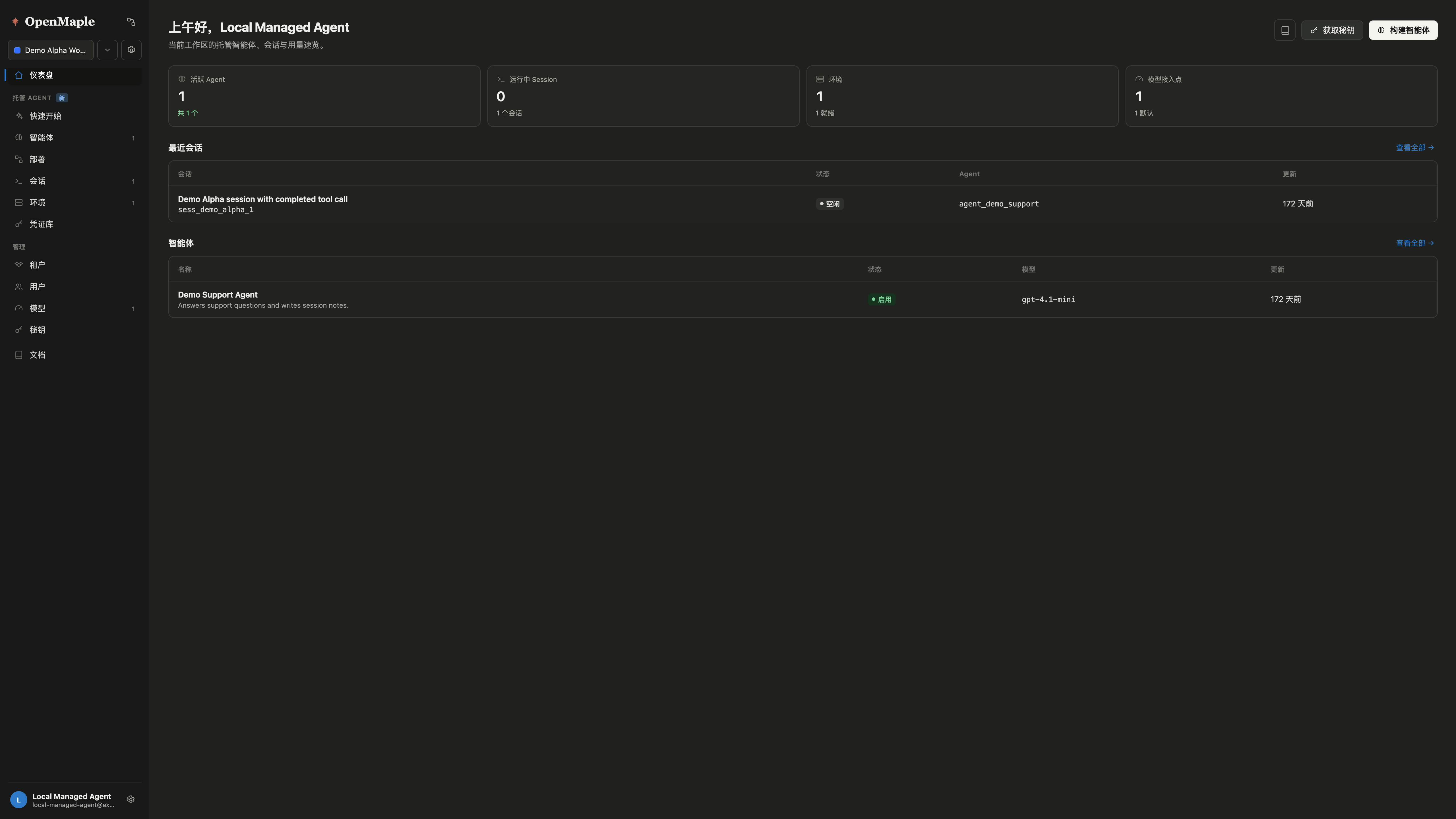
Demo workspaceThe local stack opens with seeded agents, sessions, targets, and provider state.
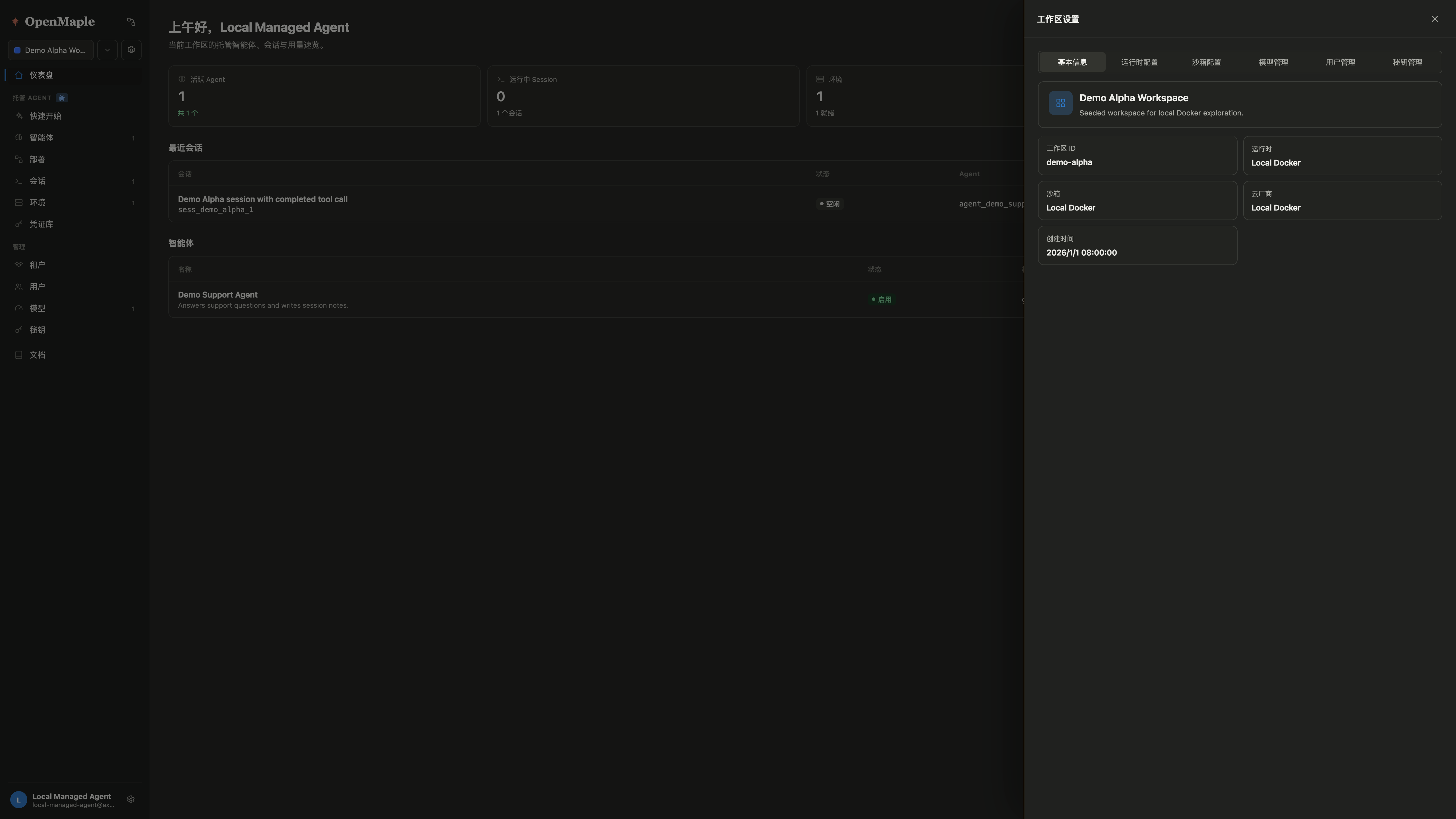
Settings overviewRuntime, sandbox, model, and workspace settings stay visible in one drawer.
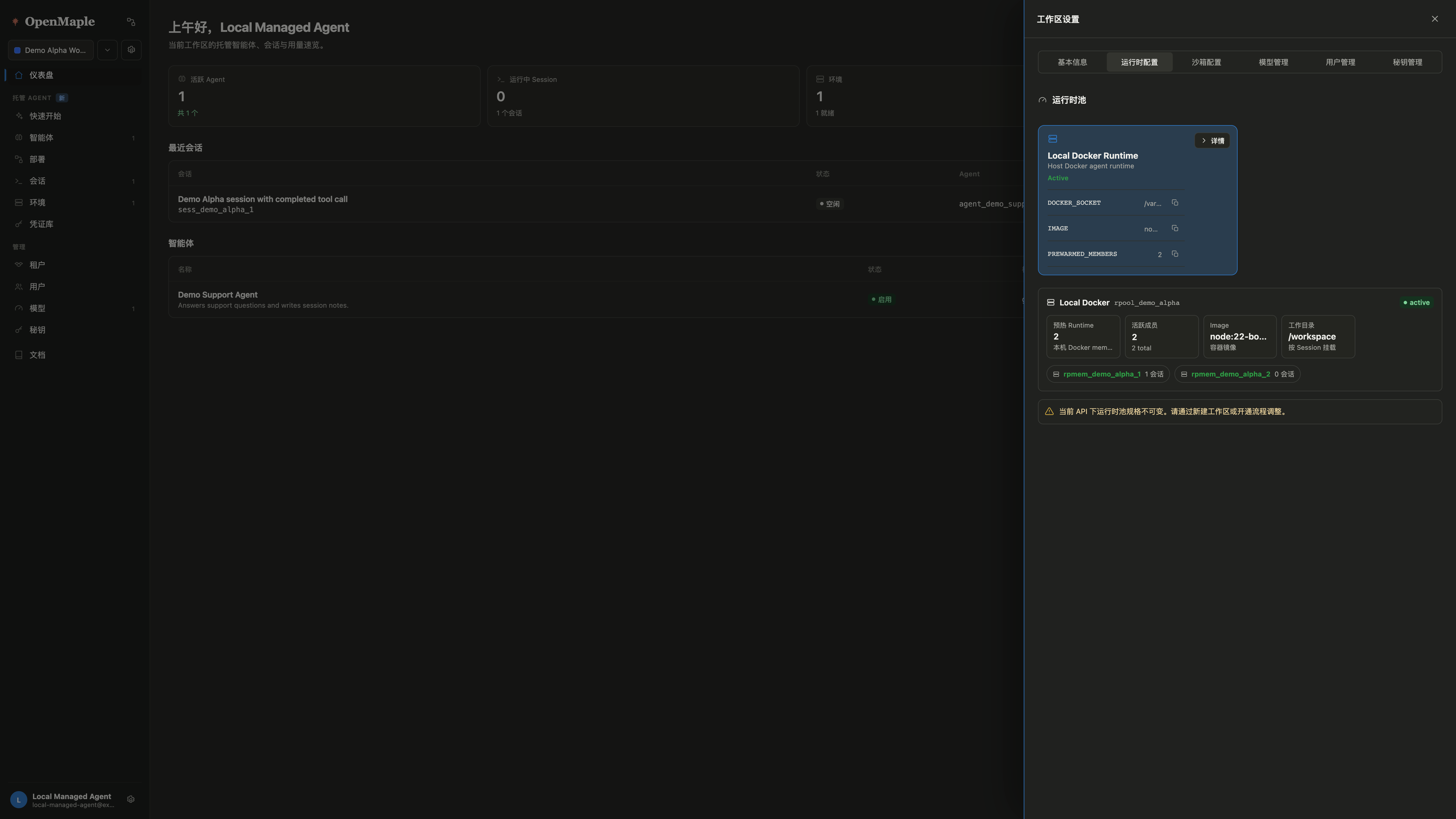
Local Docker runtimeThe runtime provider uses the local Docker daemon and a `node:22-bookworm` image.
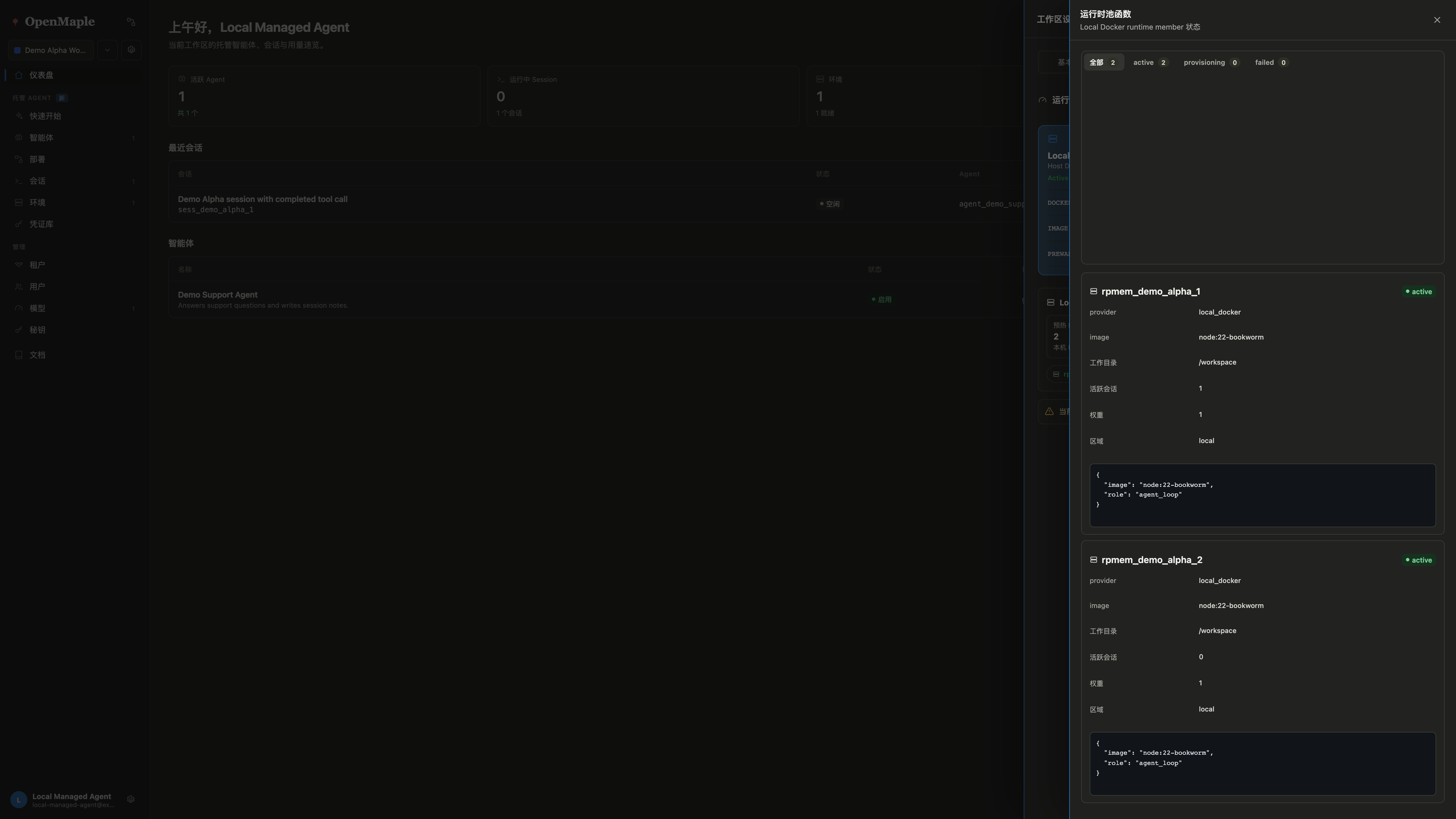
Runtime pool membersWorkspace settings show active local Docker runtime members and session counts.
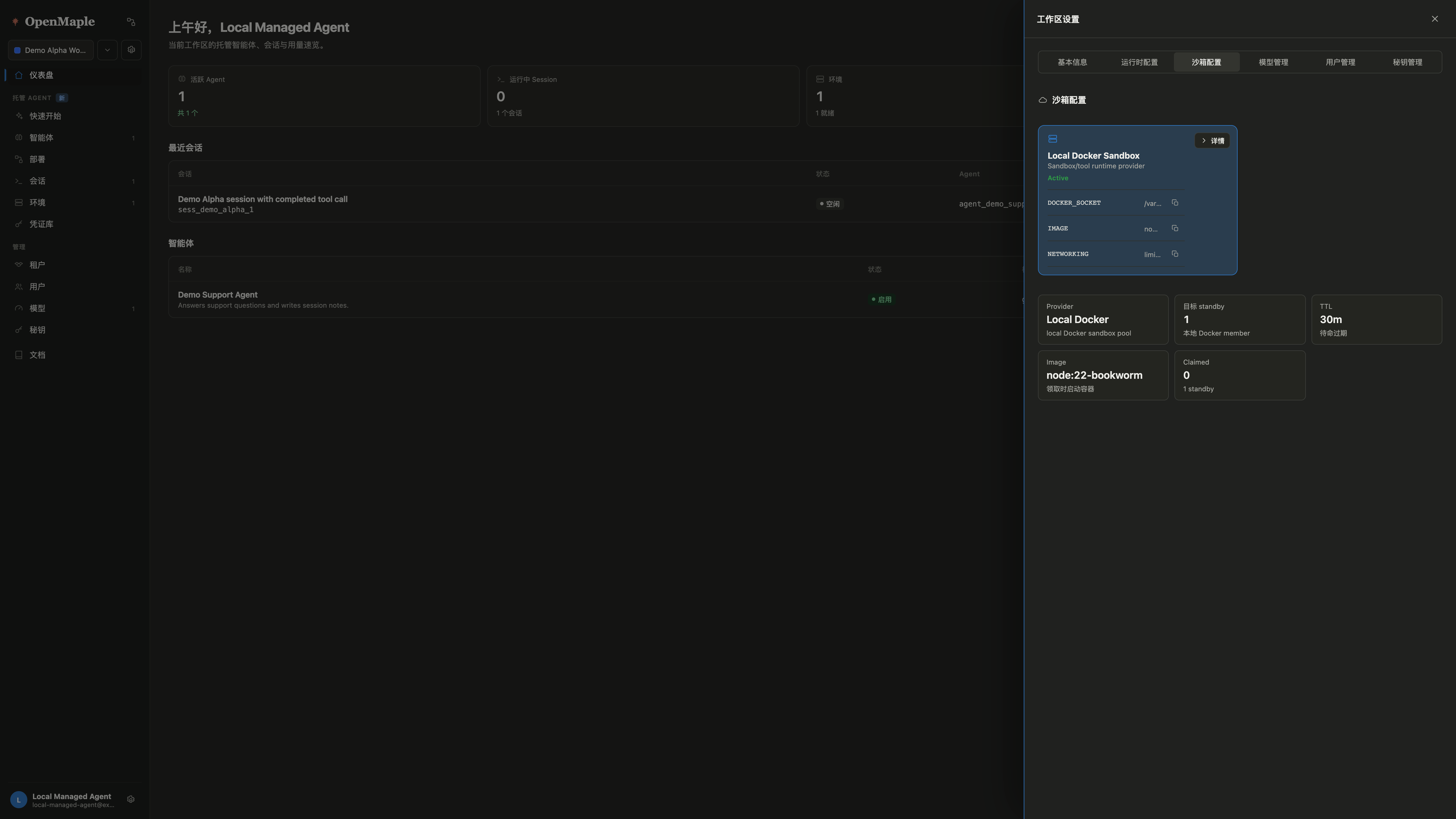
Local Docker sandboxSandbox execution uses local containers without E2B or veFaaS keys.
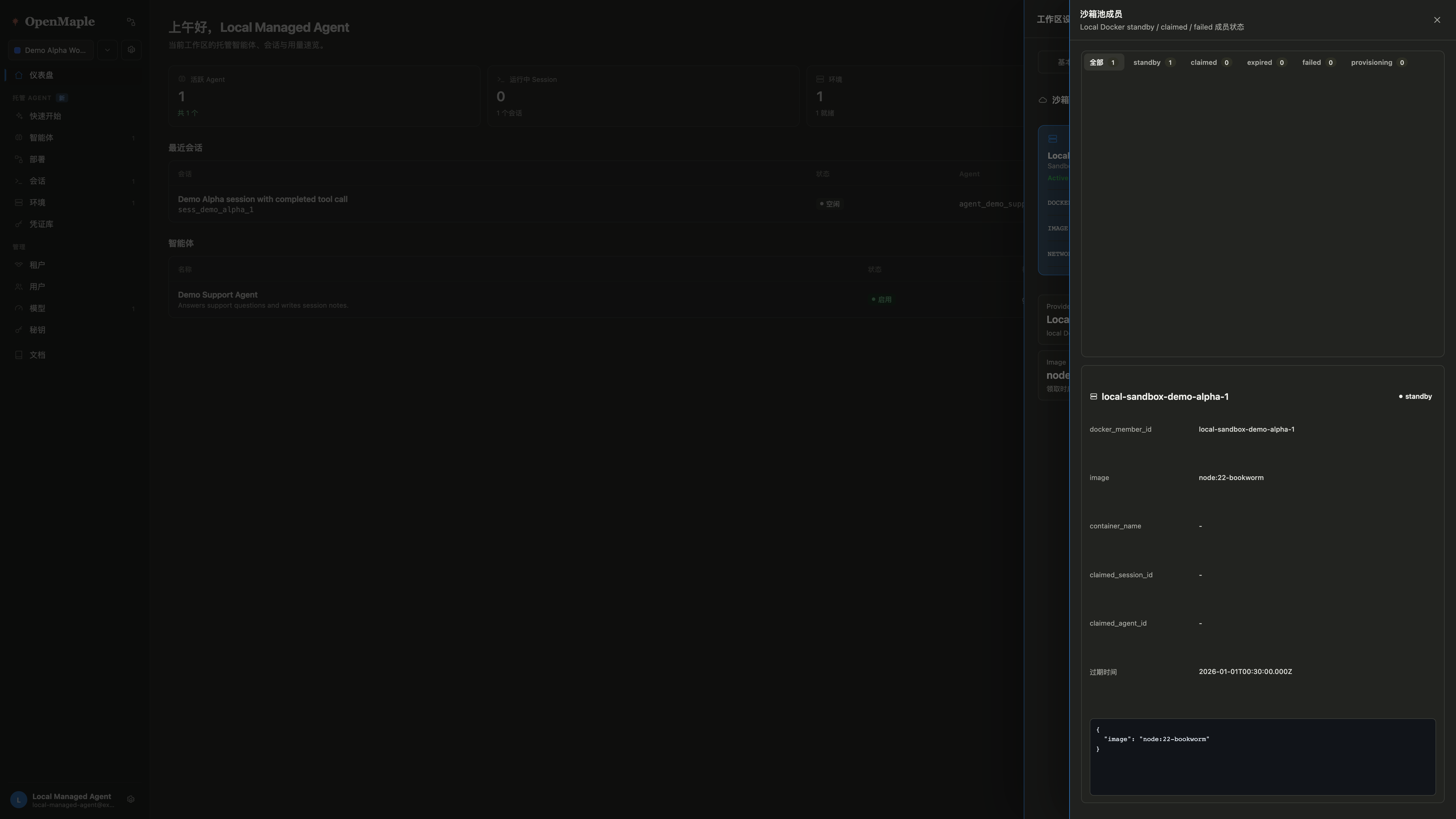
Sandbox pool membersStandby sandbox members expose image, status, claim fields, and TTL.
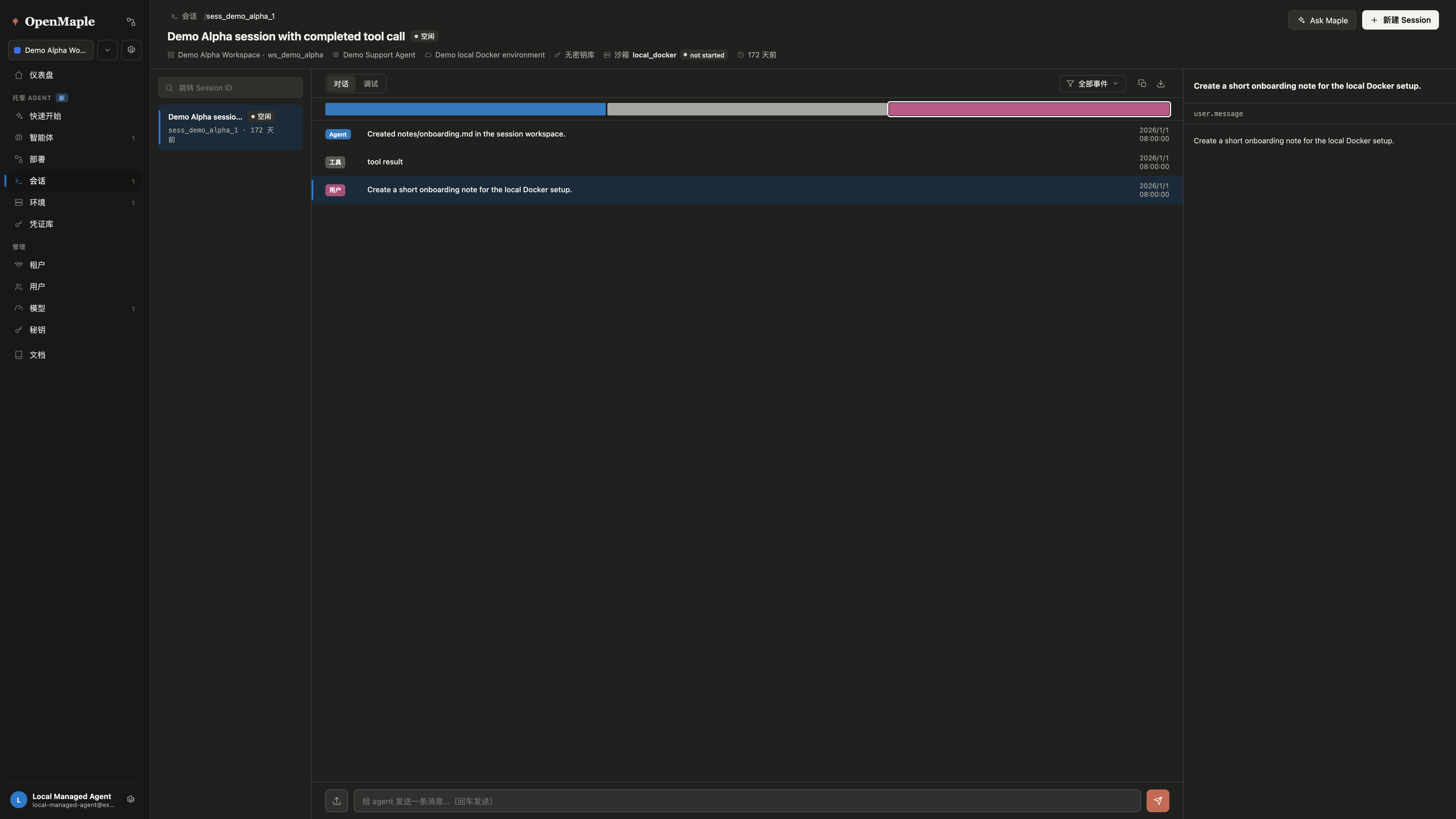
Sessions listLocal sessions keep run state and session identifiers visible for inspection.
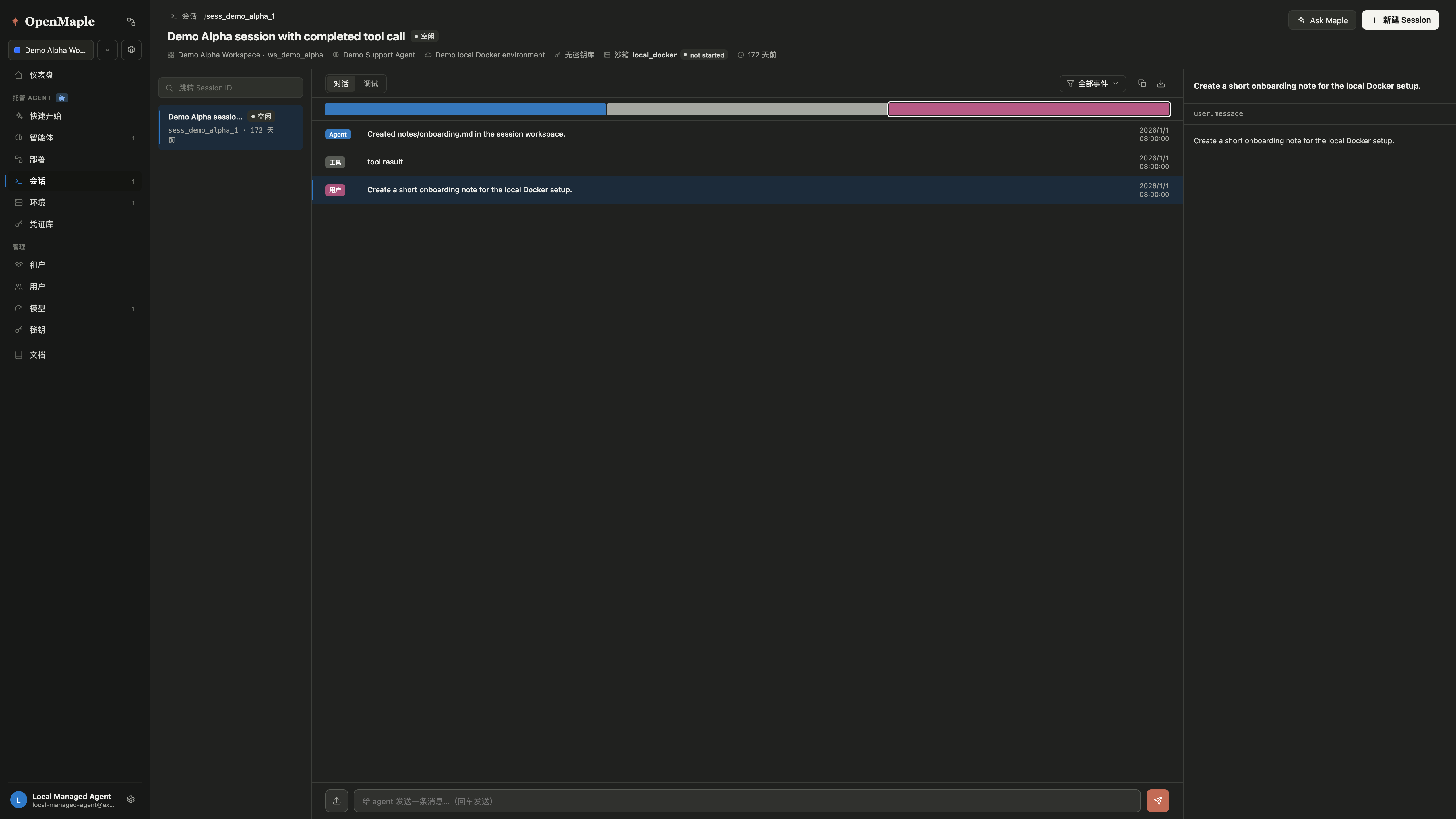
Session timelineThe local session view keeps transcript, tool events, sandbox metadata, and debug context together.
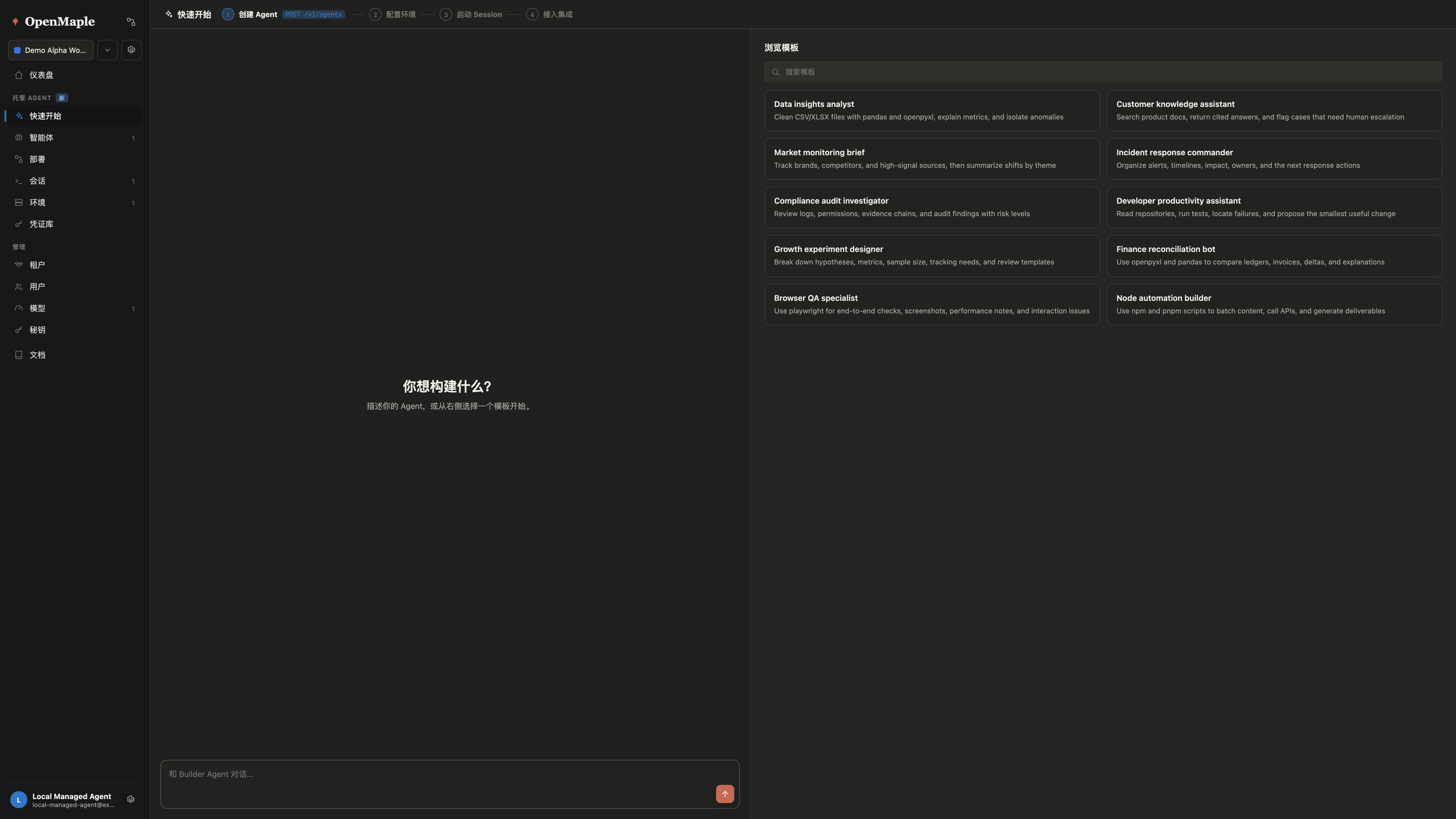
QuickstartUsers can move from the local trial into agent creation without changing deployment modes.
Anthropic frames Managed Agents as a meta-harness: a system around Claude with general interfaces for stateful sessions, computation, tools, sandboxes, and future harnesses. OpenMaple maps that idea onto an open control plane.
Quickstart builderTurn an agent idea into agent, environment, vault, and session resources from the running console.
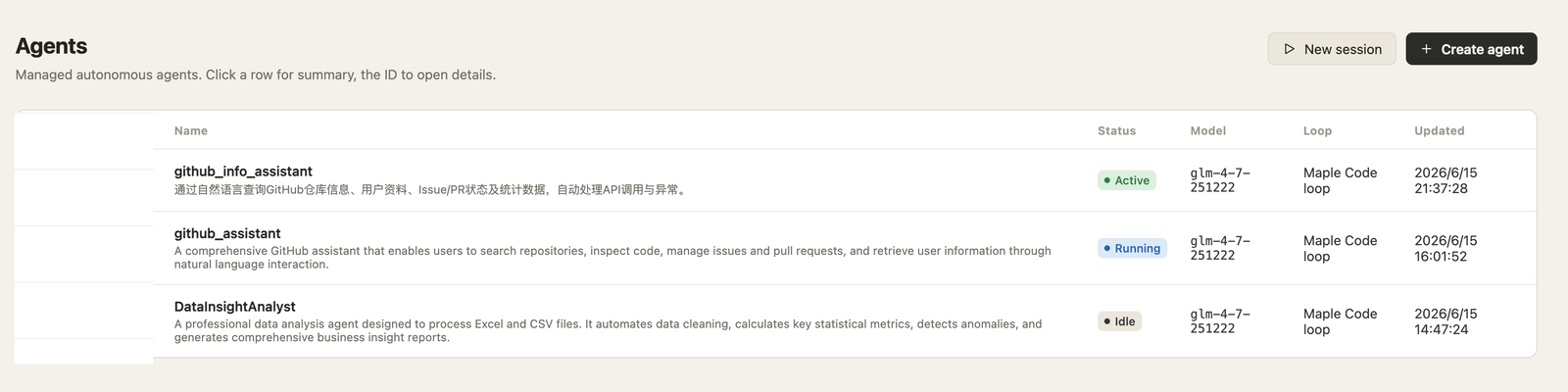
AgentsVersion prompts, tools, MCP servers, skills, model configs, and loop type as managed resources.
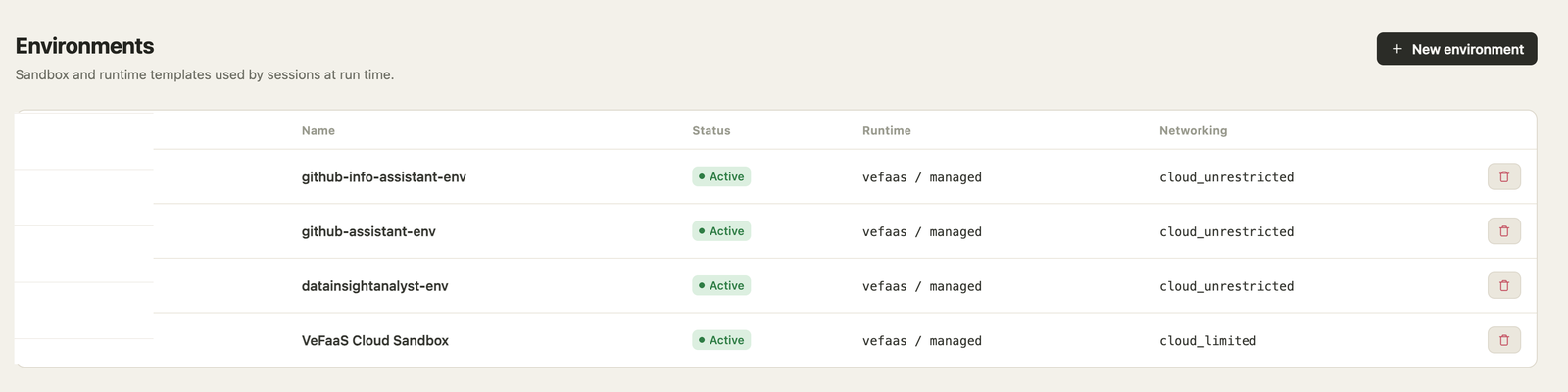
Runtime environmentsSeparate AgentRuntime and SandboxRuntime choices so execution can move behind stable contracts.
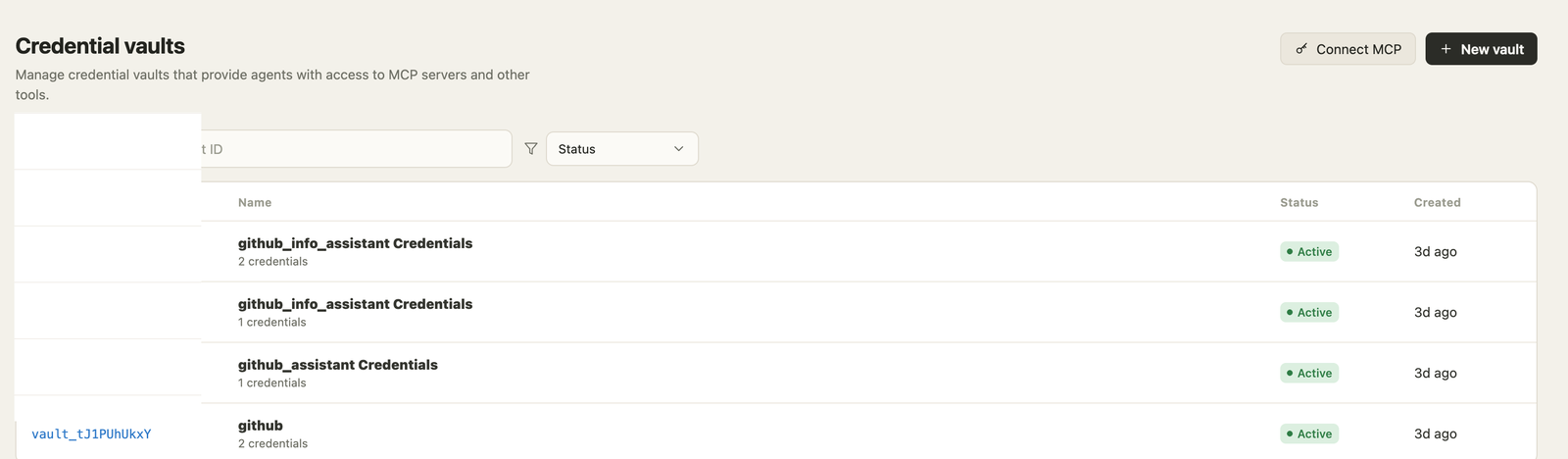
Credential vaultsAttach tool credentials by reference without exposing raw secret material to agent runs.
The agent loop and the tool execution environment are separate. Credentials and generated code do not need to live in the same blast radius.
User messages, model deltas, tool calls, artifacts, failures, and status changes become an inspectable timeline.
OpenMaple is opinionated about interfaces around agents, not about the one harness every future task must use.
The platform owns repeatable operations: secrets by reference, workspace scope, provider identity, long-running sessions, and audit trails.
OpenMaple separates managed-agent resources from the providers that execute them. This keeps recovery, cloud migration, and loop experiments practical.
Workspace truth, agents, sessions, vaults, model configs, members, API keys, and audit-ready event records.
Agent loops run behind provider adapters: local Docker for self-contained evaluation, veFaaS for cloud deployment, and Lambda / FC-style paths as provider work expands.
Tool execution stays isolated from control data. Use local Docker by default, or swap to E2B, veFaaS Sandbox, Vercel, and future providers by policy.
OpenMaple exposes the managed-agent lifecycle as resources you can operate from UI or code.
Agents, environments, sessions, vaults, runtime pools, and API access are modeled as product resources.
Create a runnable path: agent, environment, model, vault, and session.
Follow user messages, agent events, sandbox metadata, artifacts, and debugging context.
MCP OAuth and API secrets live as references that can be attached without exposing raw keys.
Tenants configure cloud identities once; runtime, sandbox, and storage selections become provider plus focused options. This is the path toward failover and workload placement.
cloudProviderIdentity:
  provider: volcengine | aliyun | aws | gcp
  auth: aksk | oidc | role

runtimeProvider:
  type: local_docker | vefaas | fc | lambda

sandboxProvider:
  type: local_docker | e2b | vefaas_sandbox | vercel

storageProvider:
type: tos | oss | s3 | gcsStart with local Docker, then move agent loops to veFaaS, Alibaba FC, AWS Lambda, or other provider adapters.
Route tool execution to local Docker, E2B, veFaaS Sandbox, or Vercel by policy.
Use TOS, OSS, S3, or GCS behind one artifact and file contract.
Run Claude Code and Codex chains under the same session event model.
Start with the local setup script, inspect the local Docker runtime and sandbox pools, then connect cloud providers when the evaluation needs them. If this is useful to platform teams, pass the repo to them.